Adding Custom Strings
by Reassembly
Adding Custom Strings
The string builder lets you add custom detections to Echo. A string is some data that is stored in every process’ memory, some clients leave traces of strings in processes, so if you find one, you can add it to this list
- Go to customization, and click on “String Builder”, you should be greeted to a page that looks similar to this:
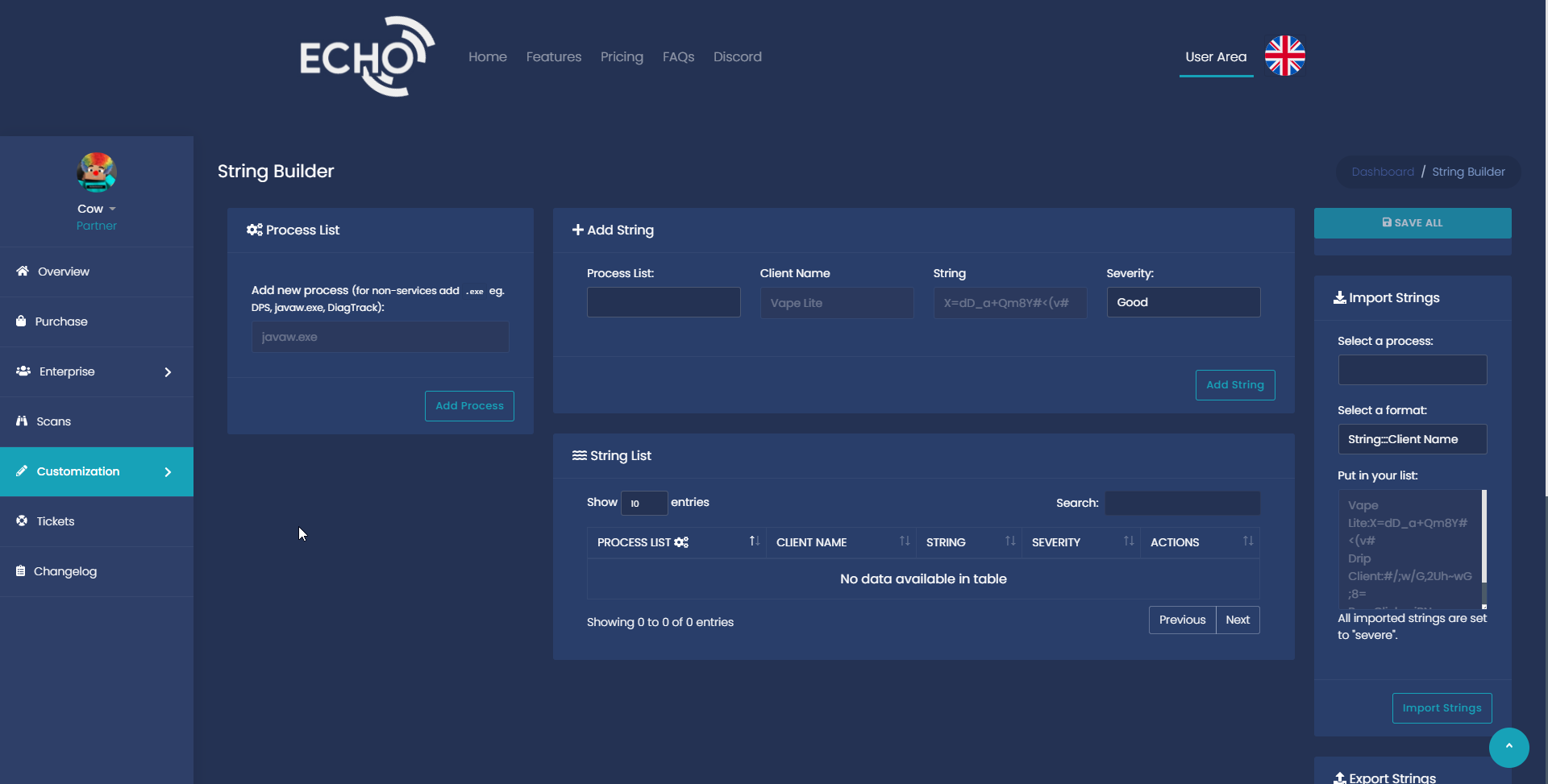
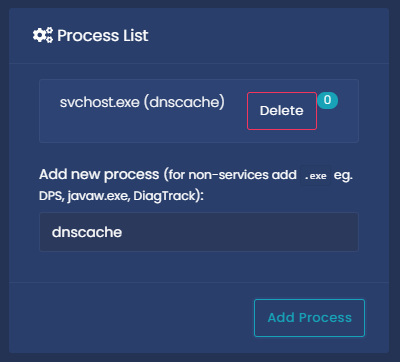
- Where it says “Process List”, add the process you want to look for by typing it in and clicking “Add Process”, for this tutorial I will be using “dnscache”, which looks at websites the user has visited.
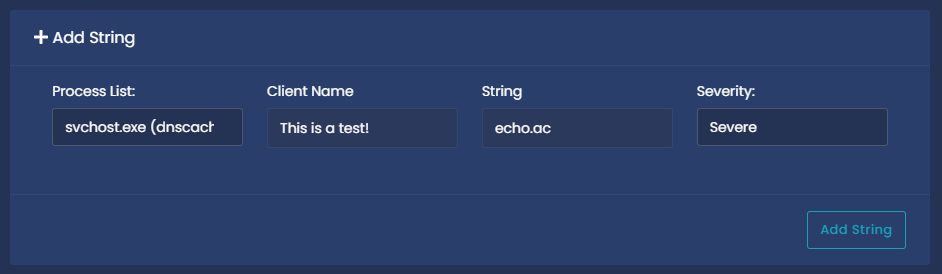
- Where it says “Add String”, Select the process in the “Process List” dropdown. The client name is what will come up in the key indications if it is detected. The string is what memory string Echo will look for in the process, and the severity is what it will show up as in the key indications. If it is severe, it will show up as red and will show “Detected” in the scans list, “Warning” will show up as yellow/orange in the key indications and will show “Unusual” in the scans list, provided that there have been no severe detected, and “Good” will show up as green in key indications, and will show “Clean” in the scan list provided there are no warnings or detections. After you have entered all that info. Click “Add String”
- Remember to save the string once you have added it!
If you scan anyone and they flag your string, something similar to this should come up:
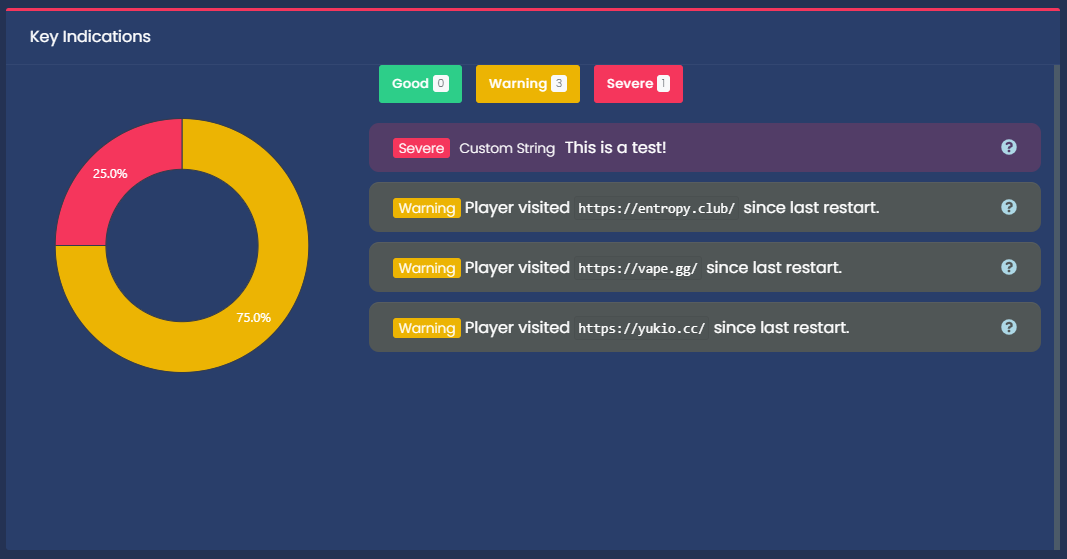
Ignore all the warning strings, The severe string is the custom string we added, as you can see they are indicated by the “Custom String” tag before them.