SGRM Broker Guide
by Lewis
SGRM Broker Guide
Open up Process Hacker 2 as Administrator
Search for “sgrmbroker.exe”
Should look like this:

Double click and it should bring up a window like this:
- Uncheck “Hide free regions” then click on “Strings…”
- Set the Minimum String Length to 4
- Check “Image” and “Mapped”
- Click “OK”
- Click “Filter”
- Select “Contains (Case-Insensitive)”
- Paste “{"ProcessID":”
- Hit save then upload the file to https://echo.ac/sgrm
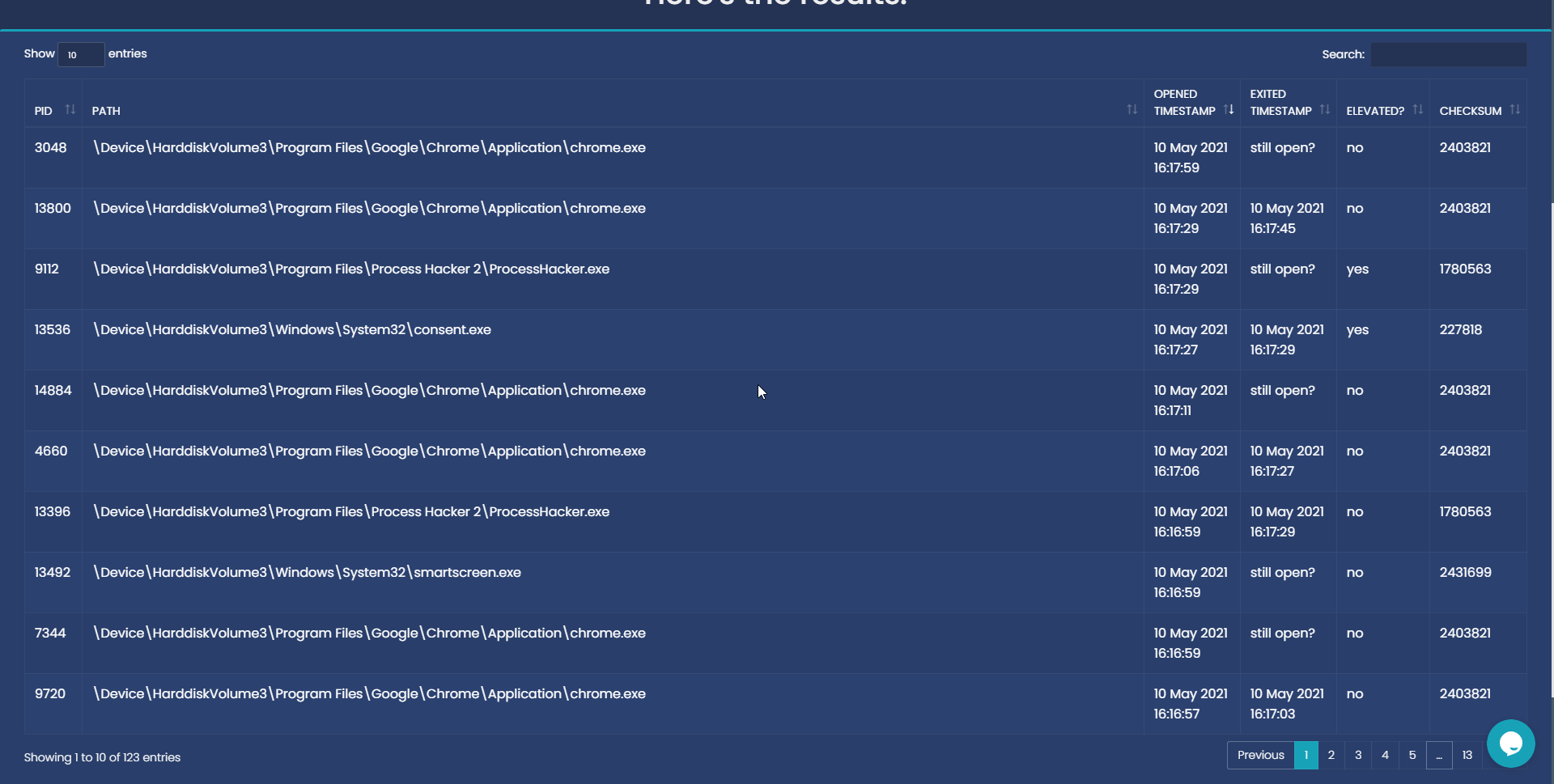
Once it’s uploaded it should look like this:

Be aware that some computers have sgrmbroker.exe disabled or this tool may not work entirely - We do not recommend you ban for this tool not working.